
Appearance
Company Setup
Set up your company profile to personalise YardPilot for your business.
Accessing Company Settings
- Click Settings in the sidebar
- Select Company
Company Details
Basic Information
| Field | Description | Required |
|---|---|---|
| Company Name | Your trading name | Yes |
| ABN | Australian Business Number (11 digits) | Yes |
| Phone | Main business phone | Yes |
| Primary contact email | Yes | |
| Website | Your website URL | No |
Business Address
Enter your primary business address. This appears on:
- Quotes and invoices
- Client communications
- Tax documents
TIP
If you operate from home, you can use a PO Box or registered business address.
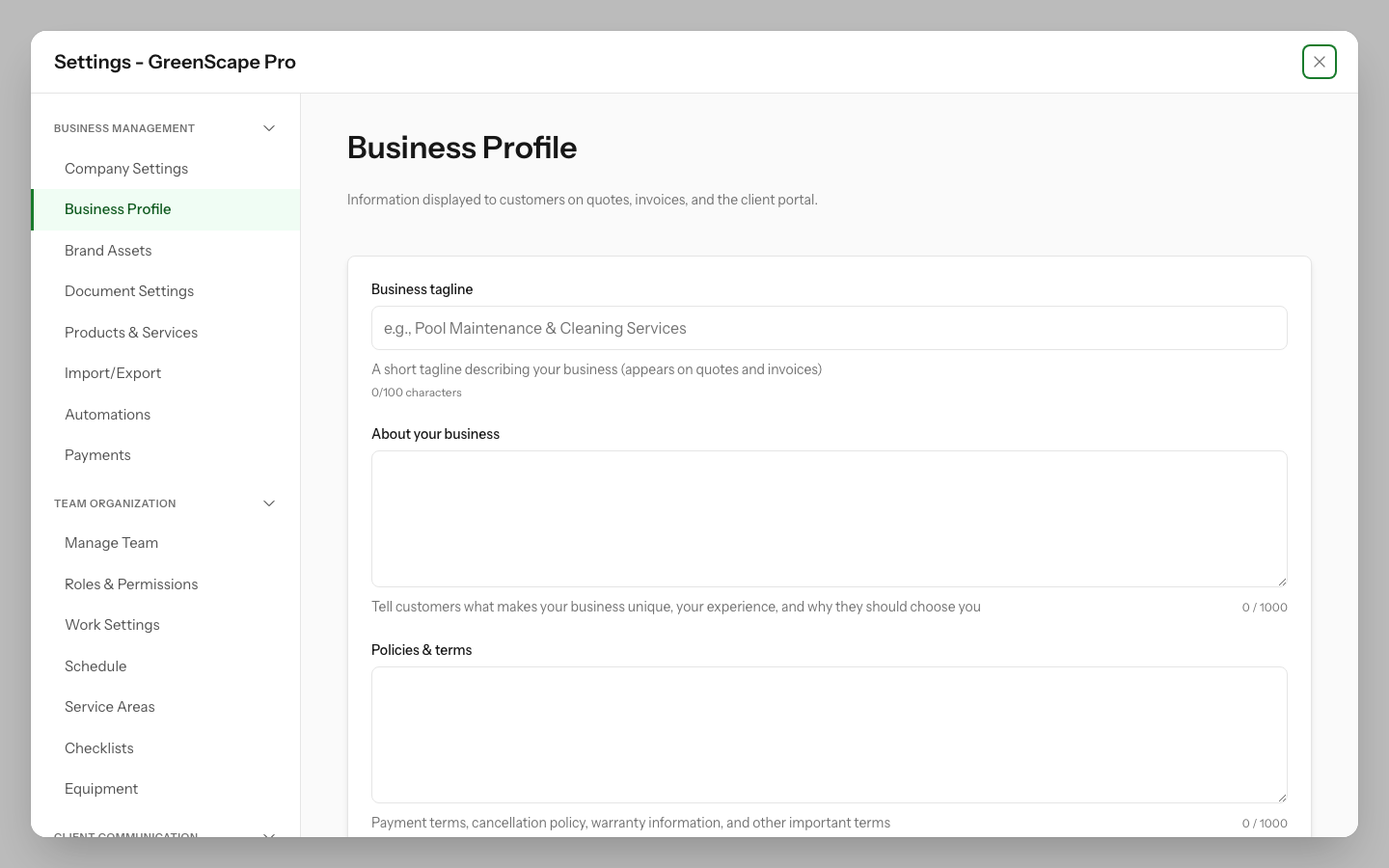
Click to enlarge
Branding
Logo
Upload your company logo to appear on:
- Quotes and estimates
- Invoices
- Client portal
- Email communications
- Stripe Checkout pages (when accepting online payments)
Logo requirements:
- Format: PNG, JPG, or SVG
- Recommended size: 400x200 pixels (square logos work best for Stripe)
- Maximum file size: 2MB
- Transparent background recommended
For Stripe Payments
If you accept online payments via Stripe, use a PNG or JPG logo rather than SVG. Stripe doesn't support SVG logos on checkout pages. Your logo will automatically sync to Stripe when you upload or update it.
Brand Colours
Customise the accent colour used in:
- Client portal
- Quote and invoice PDFs
- Email templates
- Stripe Checkout pages (when accepting online payments)
Tax Settings
GST Registration
If your business is registered for GST:
- Enable GST Registered
- Confirm your GST rate (default: 10%)
All quotes and invoices will automatically calculate GST.
Important
If you're not GST registered, ensure this setting is disabled. Incorrectly charging GST when not registered is a compliance issue.
Quote & Invoice Settings
Numbering
Configure how quotes and invoices are numbered:
- Prefix: e.g.,
QUO-for quotes,INV-for invoices - Starting number: Where the sequence begins
- Format: e.g.,
QUO-0001,INV-2025-001
Payment Terms
Set default payment terms for invoices:
- Due on receipt
- Net 7 days
- Net 14 days
- Net 30 days
Default Notes
Add standard terms and conditions that appear on all quotes and invoices.
Business Hours
Set your operating hours. This affects:
- Scheduling suggestions
- Client portal availability messages
- After-hours notification handling
Next Steps
With your company set up, you're ready to: