
Appearance
Sending Invoices
Send invoices to clients via email with a link to pay online.
Sending an Invoice
- Open the invoice
- Click Send Invoice
- Review the email
- Click Send
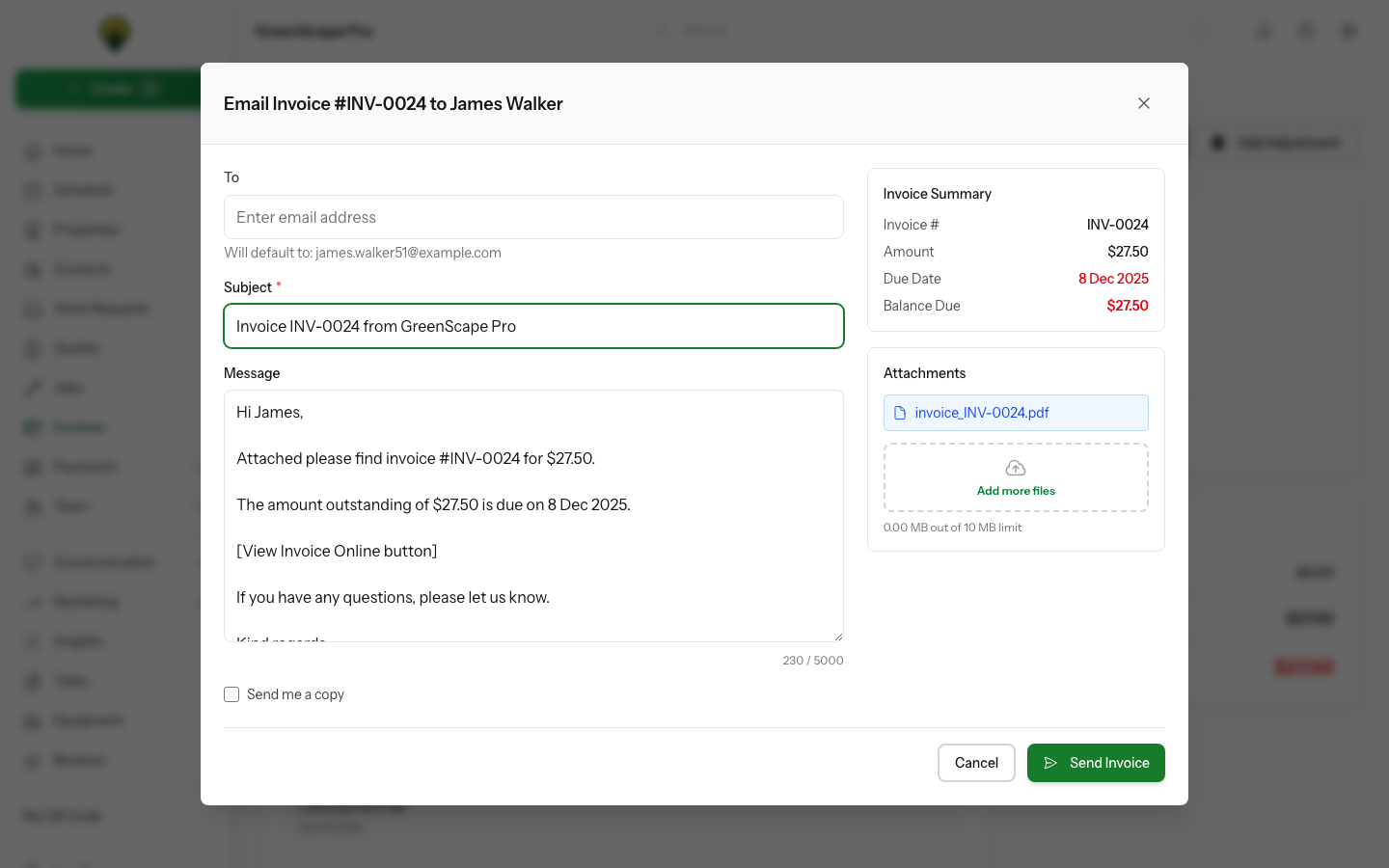
Click to enlarge
Attaching Visit Photos
If the invoice is linked to a visit that has photos marked as customer-visible, those photos automatically appear in the Send Invoice modal.
How it works:
- Photos marked as "Visible" on the visit appear as thumbnails
- All photos are selected by default
- Click any photo to select/deselect it
- Selected photos are attached to the email
TIP
Only photos marked as customer-visible appear here. To change which photos are visible, go to the visit and toggle the visibility on each attachment. See Visit Completion for details.
Adding Other Files:
You can also attach additional files (PDFs, images) by clicking Add more files below the photo grid.
What Clients Receive
- Email with invoice summary
- View Invoice button
- Link to pay online (if payments enabled)
- Any attached visit photos or files
Tracking Invoice Opens
YardPilot automatically tracks when clients open invoice emails.
Automatic Status Update
When a client opens your invoice email for the first time:
- Invoice status changes from Sent to Viewed
- The exact view time is recorded
- You can filter invoices by "Viewed" status to see which clients have seen their invoices
This helps you know:
- Which invoices have been seen but not paid
- When to follow up on unviewed invoices
- How quickly clients are engaging with your invoices
Open Count
Each subsequent open increments the view count, so you can see how many times a client has reviewed their invoice.
INFO
Open tracking uses a tiny invisible image in the email. Some email clients (like Apple Mail with Privacy Protection) may block tracking or show false opens.
Payment Reminders
For overdue invoices:
- Open the invoice
- Click Send Reminder
Or set up automatic reminders in Settings → Invoicing.
Next Steps
- Recording Payments when clients pay