
Appearance
Invoicing & Payments
Create invoices for completed work, send them to clients, and track payments.
Overview
Complete Work → Create Invoice → Send → Client Pays → ReconcileInvoice Statuses
| Status | Meaning |
|---|---|
| Draft | Invoice being prepared |
| Sent | Invoice emailed to client |
| Viewed | Client has opened the invoice |
| Partial | Some payment received |
| Paid | Fully paid |
| Overdue | Past due date, unpaid |
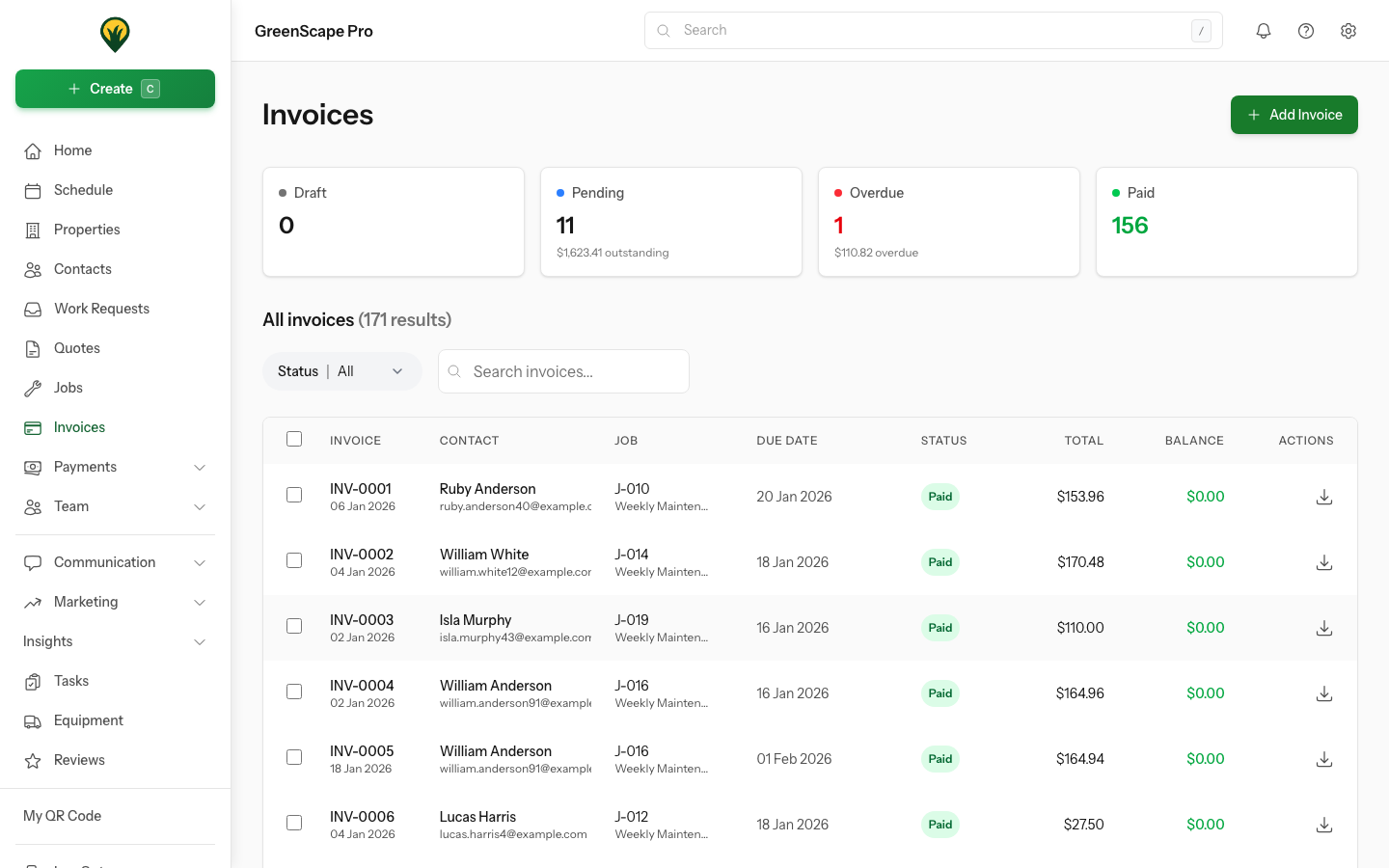
Click to enlarge
In This Section
- Creating Invoices - Generate invoices from jobs
- Sending Invoices - Email to clients
- Recording Payments - Record payments from invoices
- Managing Payments - View, allocate, and manage all payments
- Xero Integration - Sync with your accounting software